Meet Alibaba’s Page Agent: A JavaScript In-Page GUI Agent That Controls Web Interfaces With Natural Language Through the DOM
Most browser automation runs from the outside. Playwright, Puppeteer, Selenium, and browser-use all drive a browser from an external process. They read the page through screenshots or the Chrome DevTools Protocol. Alibaba’s Page Agent takes the opposite path. The agent lives inside the webpage as plain JavaScript. It reads the live DOM as text and acts as the real user. No headless browser, no screenshots, no multi-modal model. The project is open-source under the MIT license. The c
Make your prediction
Will Alibaba's Page Agent GitHub repository reach 500 stars by July 10, 2026?
Resolves by Jul 10, 2026
Your prediction
50% · 50/50 coin flip
NOYES
Get smart on it
Page Agent is a software tool that runs inside web pages as JavaScript code and can perform actions like clicking buttons and filling forms when given natural language commands. Unlike traditional browser automation tools that control websites from outside by reading screenshots, Page Agent reads the page's underlying code structure (called the DOM) as text and operates as if a real user were interacting with it. This approach works with any text-based language model through an OpenAI-compatible connection and is best suited for adding AI assistants to applications that developers control, such as internal tools or customer-facing products, rather than for automating external websites.
Related news

Meet WebBrain: An Open-Source, Local-First AI Browser Agent That Reads Pages and Automates Tasks in Chrome and Firefox
WebBrain is a free, open-source browser agent for Chrome and Firefox. It reads pages, extracts data, and automates multi-step tasks. Unlike most browser AI plugins, it can also run entirely on a local model. It is built by Emre Sokullu and licensed under MIT. The full source lives on GitHub. Run the agent against a local model, and no page data leaves your machine. Connect a cloud API when you want more capability. What is WebBrain? WebBrain lives in your browser’s side panel
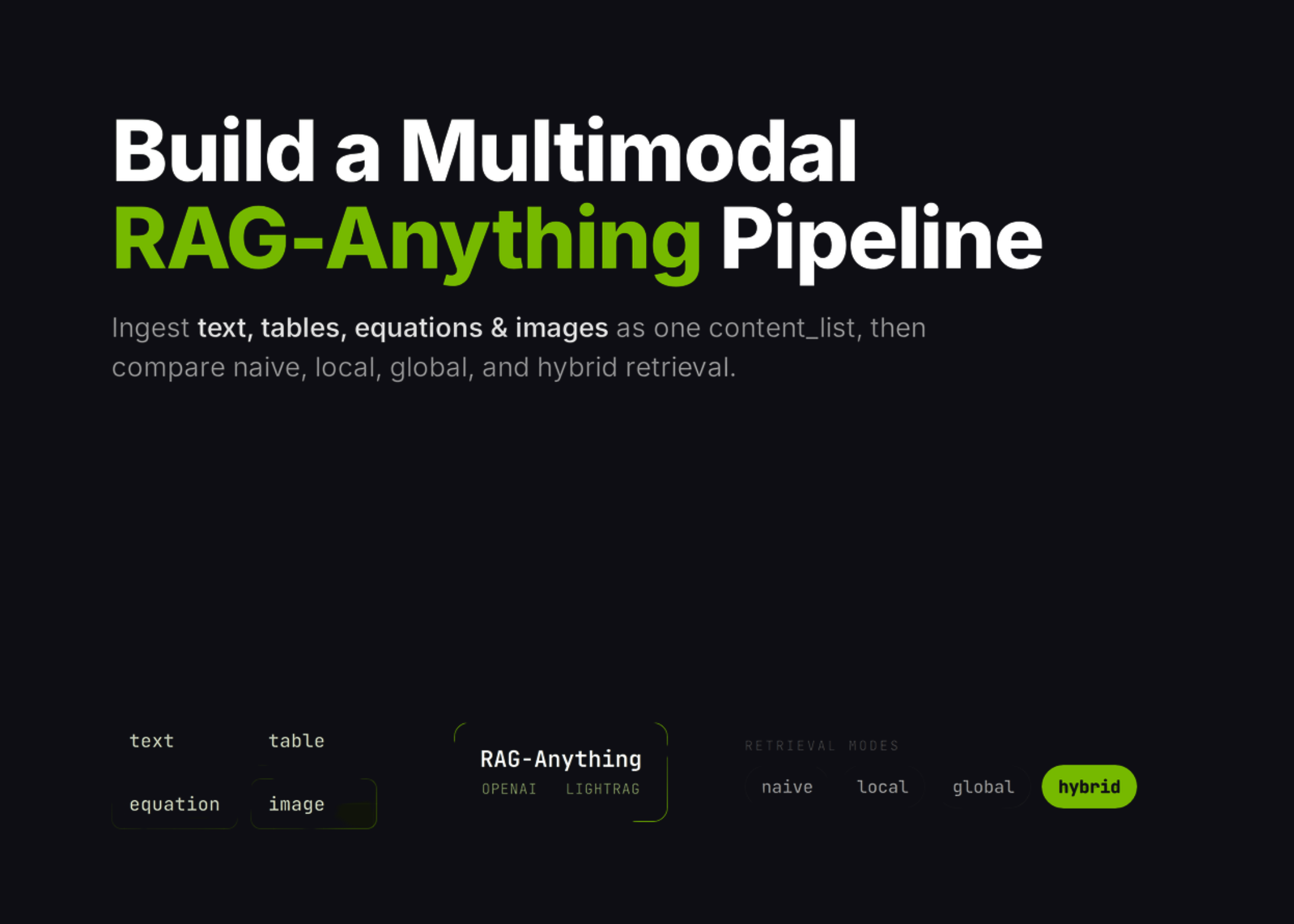
RAG-Anything Tutorial: Build a Multimodal Retrieval Pipeline for Text, Tables, Equations, and Images in Colab
In this tutorial, we build a RAG-Anything workflow and use it to explore how multimodal retrieval works across text, tables, equations, and images. We start by preparing the Colab environment, installing the required packages, and securely entering our OpenAI API key at runtime to keep the notebook practical and safe to run. We then create a synthetic multimodal report, generate a chart and PDF, convert the content into RAG-Anything’s direct content_list format, and insert it into the retrieval