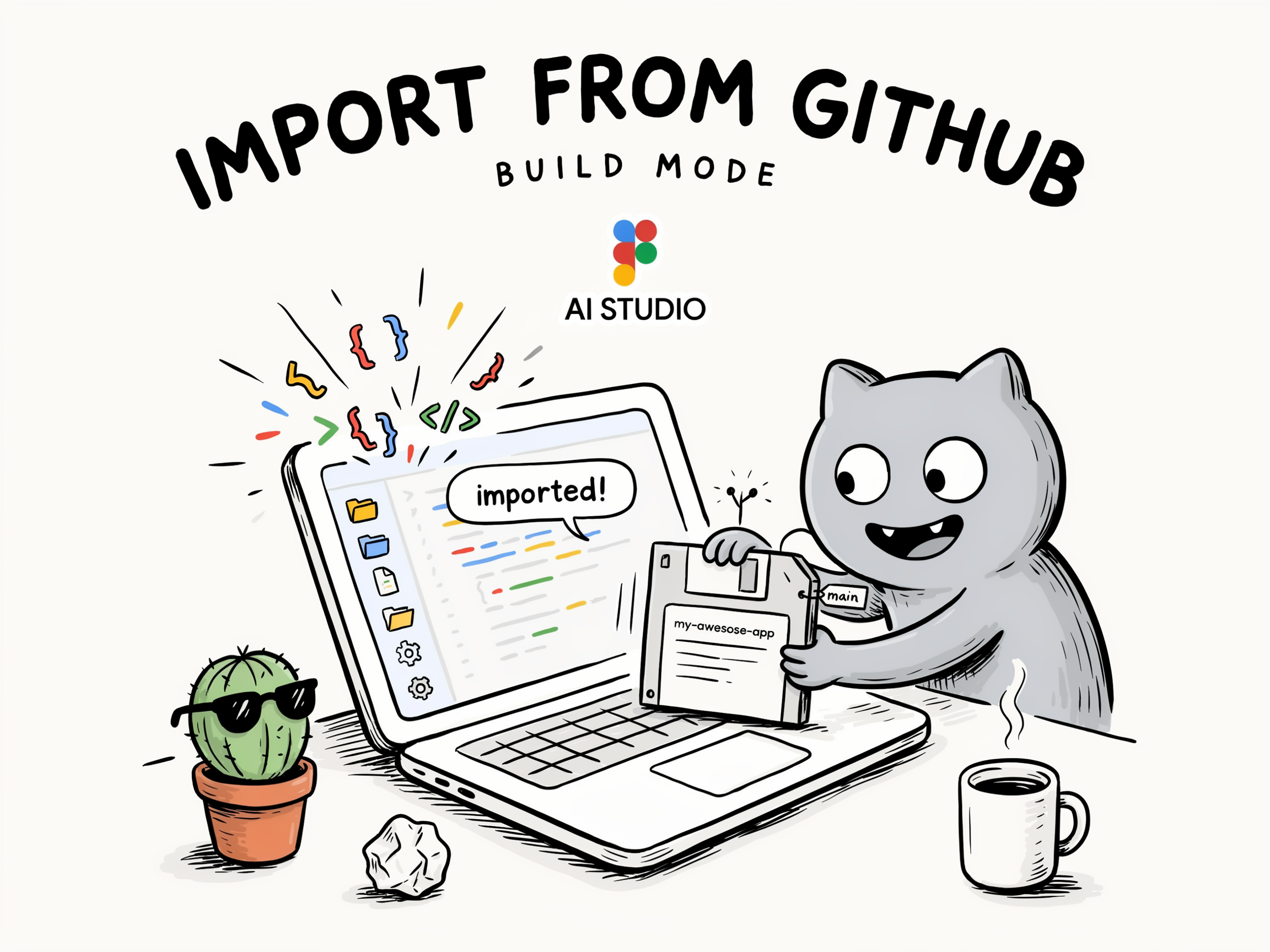
Google AI Studio Adds Import from GitHub to Build a Deployable App
Google AI Studio is rolling out an ‘import from GitHub’ feature inside its Build mode. It takes a repo and transforms it into a runtime-compatible format. You can then keep iterating on it, deploy it, and more. The update was shared by the Google AI Studio account and by Logan Kilpatrick, who leads the product. bringing your code from @github into ai studio build is as easy as clicking 'import from github' pic.twitter.com/lIyZ1lnpQQ— Google AI Studio (@GoogleAIStud
Get smart on it
Google AI Studio's Build mode now includes a feature that imports code repositories from GitHub and converts them into a format compatible with its runtime environment. Users can then refine the imported code through the interface and deploy it. This addition provides a way to start building from existing code rather than from a blank prompt, completing a workflow that was previously missing from the platform.
Related news
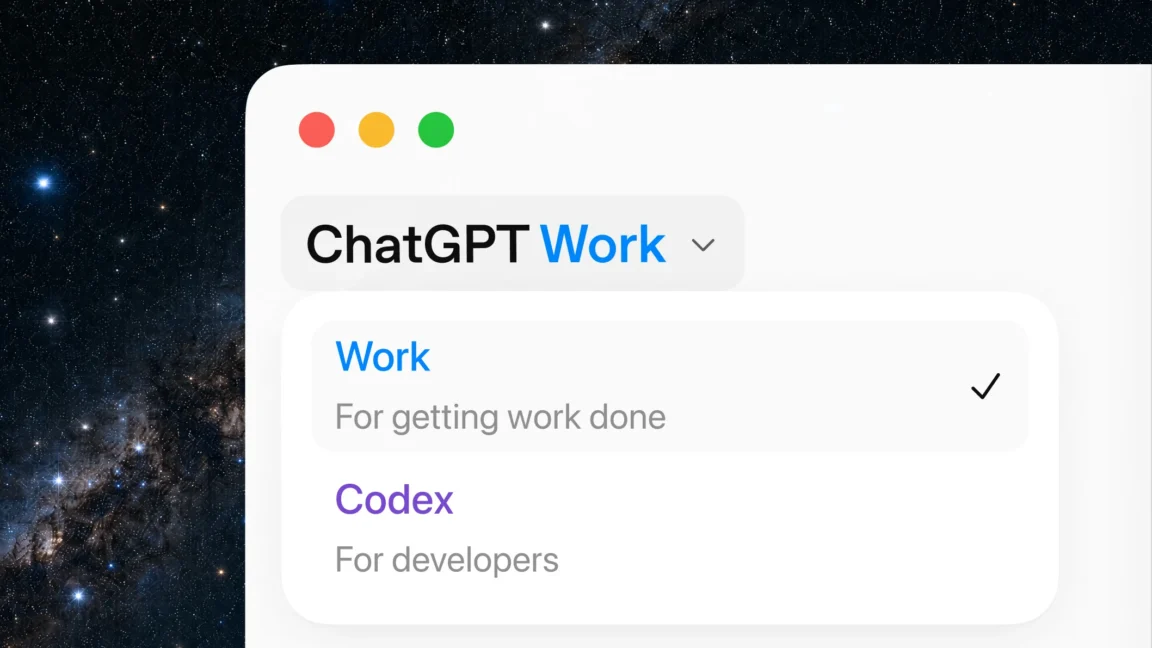
OpenAI wants its new tool to do your work for you and with you
Last year, when we tested out the "Agent Mode" in OpenAI's Atlas web browser, we complained that any automated tasks tended to stop after a few minutes, limiting its usefulness for ongoing or complex tasks. With today's release of ChatGPT Work, OpenAI says it has solved that problem with a new tool that can "stay with a project for hours if needed, and turn a goal into finished work." The company is challenging users to evaluate ChatGPT Work by "giv[ing] it a task you already know well," such as

An AI agent startup just let its agent run its $100M fundraise
Lyzr, a startup that builds AI agents for enterprises, used its own AI agent to raise a $100 million round — proof, evidently, that the product actually works.