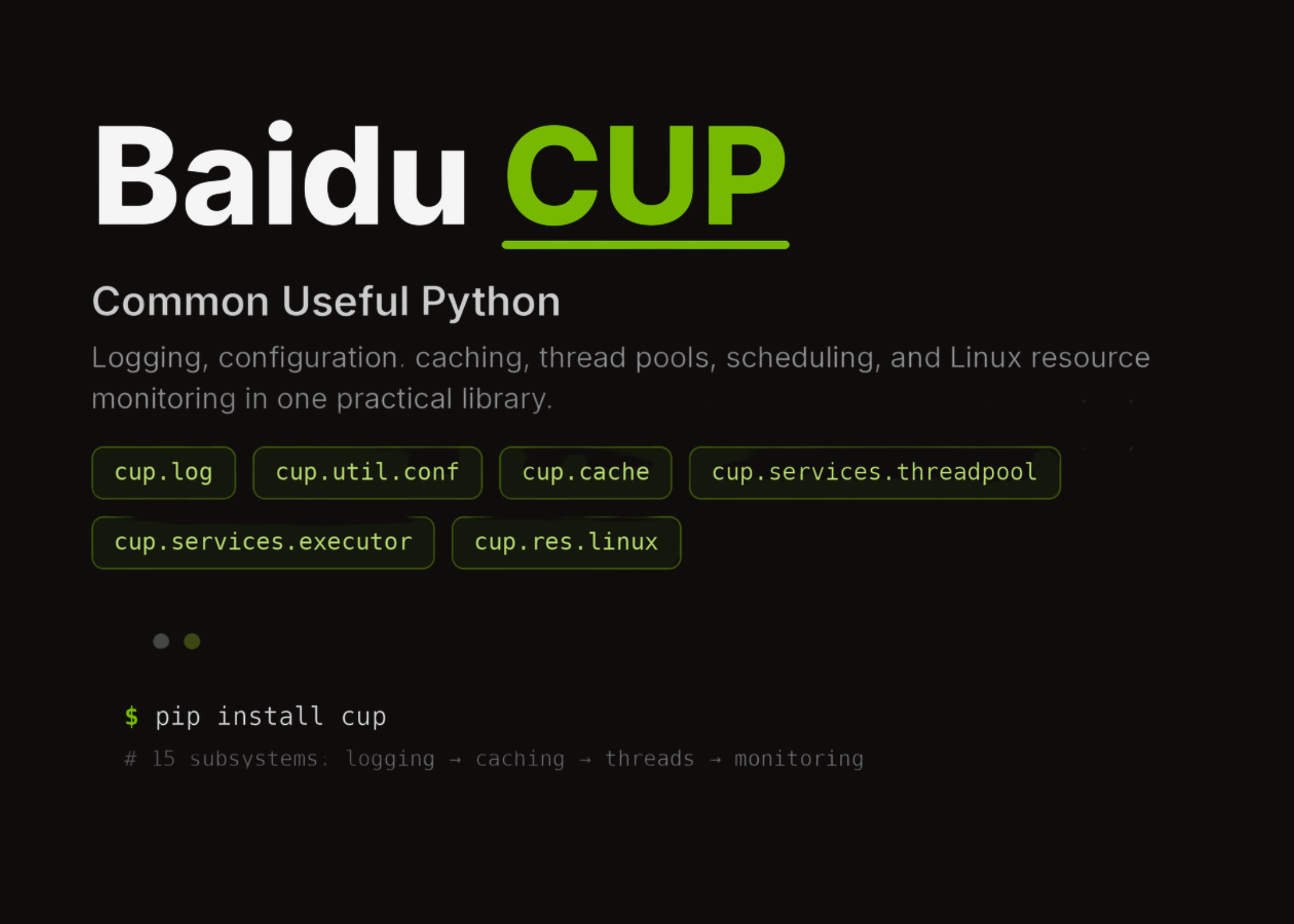
CUP (Common Useful Python): Building Reliable Python Workflows with Baidu’s Utility Toolkit
In this tutorial, we explore CUP, Baidu’s Common Useful Python library, as a practical utility toolkit for building stronger Python workflows. We begin by setting up the library in a Colab-friendly environment and then move through its major subsystems step by step, including logging, decorators, nested configuration, caching, ID generation, thread pools, interruptible threads, delayed execution, time utilities, Linux resource monitoring, file locking, networking helpers, object storage interfa
Get smart on it
CUP is a Common Useful Python library that provides utility tools for building Python workflows, including features like logging, decorators, configuration management, caching, thread pools, and file handling. The library addresses real-world development needs such as monitoring, automation, concurrency, configuration management, and reliability checks. CUP's major subsystems include structured logging that writes to both files and stdout, decorators for creating singleton classes and tracking execution time, a nested configuration system that supports hierarchical settings and repeated values, and in-memory key-value caching with expiration support. The tutorial demonstrates how these modules work together in practical development tasks through code examples that show setup, usage, and round-trip configuration modifications.
Related news

Meet WebBrain: An Open-Source, Local-First AI Browser Agent That Reads Pages and Automates Tasks in Chrome and Firefox
WebBrain is a free, open-source browser agent for Chrome and Firefox. It reads pages, extracts data, and automates multi-step tasks. Unlike most browser AI plugins, it can also run entirely on a local model. It is built by Emre Sokullu and licensed under MIT. The full source lives on GitHub. Run the agent against a local model, and no page data leaves your machine. Connect a cloud API when you want more capability. What is WebBrain? WebBrain lives in your browser’s side panel

RAG-Anything Tutorial: Build a Multimodal Retrieval Pipeline for Text, Tables, Equations, and Images in Colab
In this tutorial, we build a RAG-Anything workflow and use it to explore how multimodal retrieval works across text, tables, equations, and images. We start by preparing the Colab environment, installing the required packages, and securely entering our OpenAI API key at runtime to keep the notebook practical and safe to run. We then create a synthetic multimodal report, generate a chart and PDF, convert the content into RAG-Anything’s direct content_list format, and insert it into the retrieval