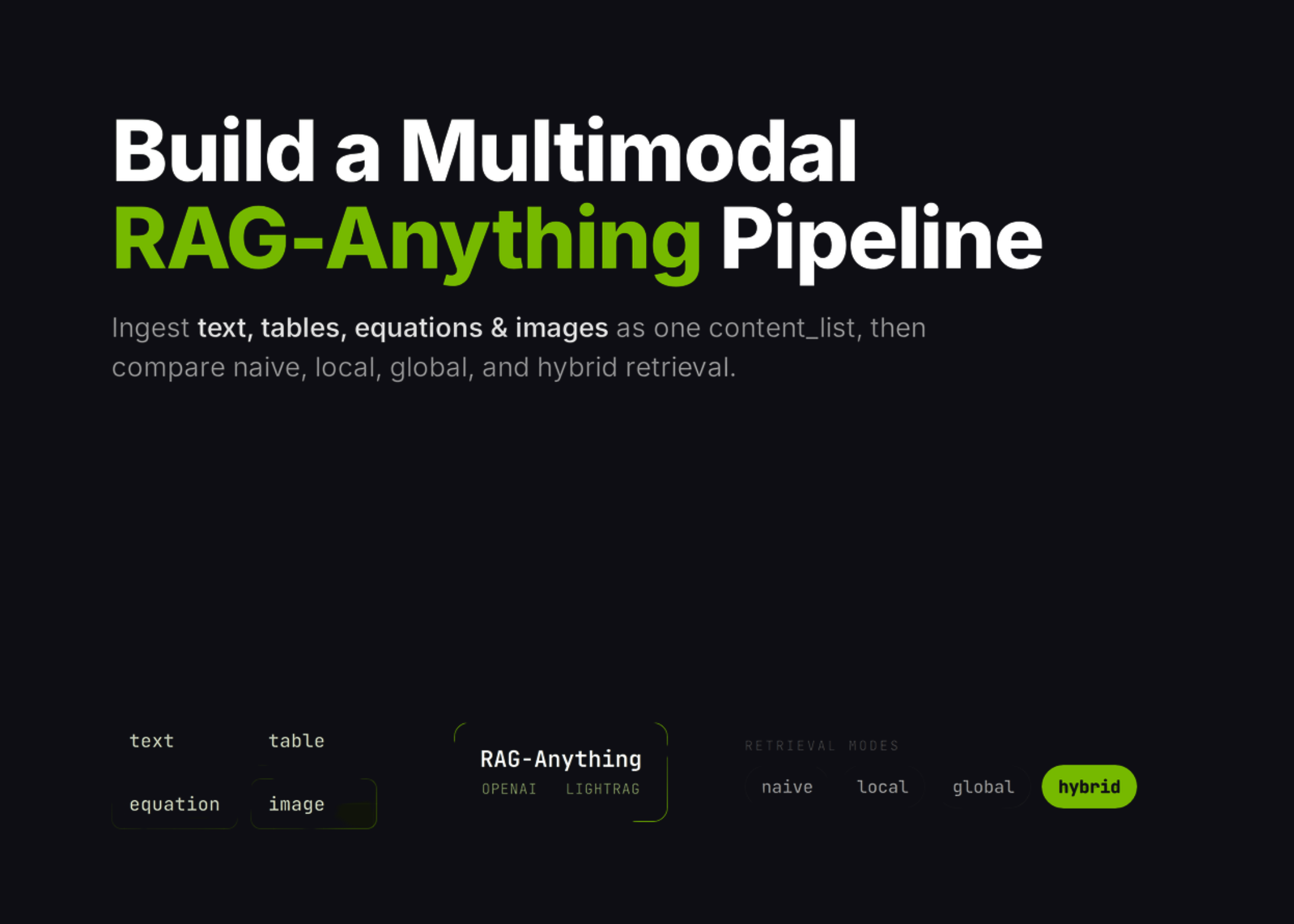
RAG-Anything Tutorial: Build a Multimodal Retrieval Pipeline for Text, Tables, Equations, and Images in Colab
In this tutorial, we build a RAG-Anything workflow and use it to explore how multimodal retrieval works across text, tables, equations, and images. We start by preparing the Colab environment, installing the required packages, and securely entering our OpenAI API key at runtime to keep the notebook practical and safe to run. We then create a synthetic multimodal report, generate a chart and PDF, convert the content into RAG-Anything’s direct content_list format, and insert it into the retrieval
Make your prediction
Will RAG-Anything reach 5,000 GitHub stars by July 31, 2026?
Resolves by Jul 31, 2026
Your prediction
50% · 50/50 coin flip
NOYES
Get smart on it
This tutorial demonstrates how to build a multimodal retrieval pipeline using RAG-Anything that can process and retrieve information from text, tables, equations, and images. The workflow involves setting up a Colab environment with required packages, securely configuring OpenAI API access, and testing different retrieval modes including naive, local, global, and hybrid approaches. The tutorial guides users through environment preparation, directory configuration, API key validation, and the creation of a synthetic multimodal report to demonstrate how the retrieval system works across different content types.
Related news

Meet WebBrain: An Open-Source, Local-First AI Browser Agent That Reads Pages and Automates Tasks in Chrome and Firefox
WebBrain is a free, open-source browser agent for Chrome and Firefox. It reads pages, extracts data, and automates multi-step tasks. Unlike most browser AI plugins, it can also run entirely on a local model. It is built by Emre Sokullu and licensed under MIT. The full source lives on GitHub. Run the agent against a local model, and no page data leaves your machine. Connect a cloud API when you want more capability. What is WebBrain? WebBrain lives in your browser’s side panel

Can Cursor Remain a Platform for OpenAI and Anthropic’s Models Inside SpaceX?
Cursor hopes to continue offering third-party AI models after it's acquired by SpaceX, testing the relationships between frontier AI labs.